
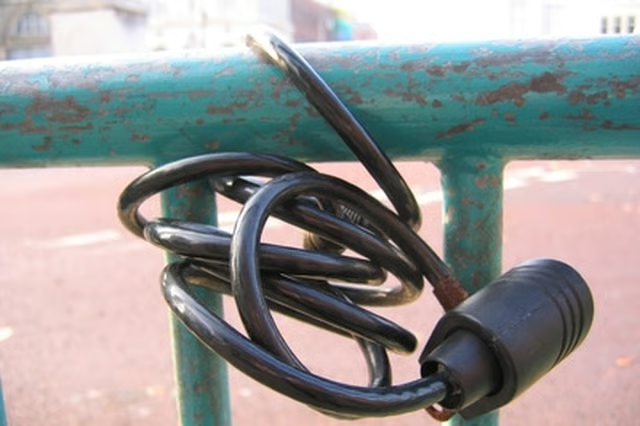
Bike locks have given many a new sense of security in today's world, ensuring that bike owners will be able to leave their bikes unattended without worrying whether they will be there when they return. However, it is also in the best interest of security to change the bike lock combination every so often. Knowing how to do that can help keep potential thieves guessing.
Unlock the bike. The original bike combination set by the manufacturer will be written on a piece of paper included in the original packaging of the bike lock.
Push the reset lever up. According to Masterlock.com, the lever should be facing down after you unlock the lock and pull out the cable. Flipping it up allows you to change the combination.
Turn the bike lock dials to the new combination that you would like. When you have determined your new combination, flip the lever back to its original position.
Lock the bike by pushing the cable in and scrambling the bike lock combination.
Test the new combination to ensure that it is correct. If it does not work, try the original combination in case (perhaps the change did not take effect).
Tips
When you choose your new combination, write it down and keep it somewhere secure in case you forget it.
Warnings
Be sure to double-check your new combination before closing and scrambling the lock, in case one of the numbers accidentally moves while you are fidgeting with the lock.