


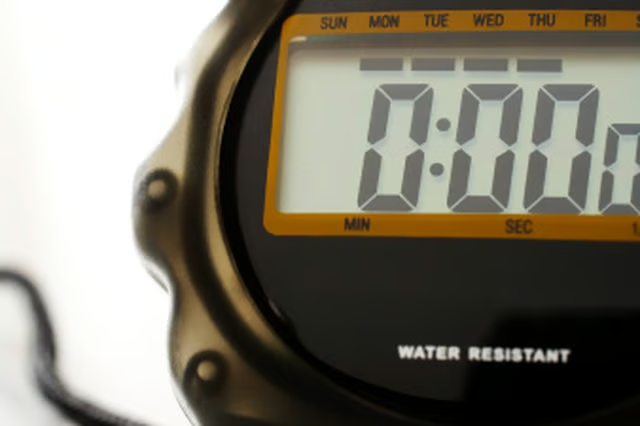
Sportline Stopwatches are a cheap and efficient way of taking timings at sporting events, as well as during training. Functions of the watch also include a clock and alarm setting. As with many stopwatches, the buttons to control the settings are deliberately limited to aid simplicity. If the hourly chime is set, then it can be difficult to work out how to turn it off. Using the right combination, however, it is possible to turn off the hourly chime on the stopwatch, which will enable the battery life to be conserved.
Press the button on the right labeled "start/stop" and at the same time press the button on the left labeled "split/reset." Hold both of these buttons down to scroll through the functions.
Release both buttons when the "Alarm Set" display is reached. This will show the time that the alarm is set for, even if the alarm is not active.
Press and hold the "Mode" button, which will remove the bars shown under the days of the week. Wait until all of the bars have been removed. This will stop hourly chiming.