
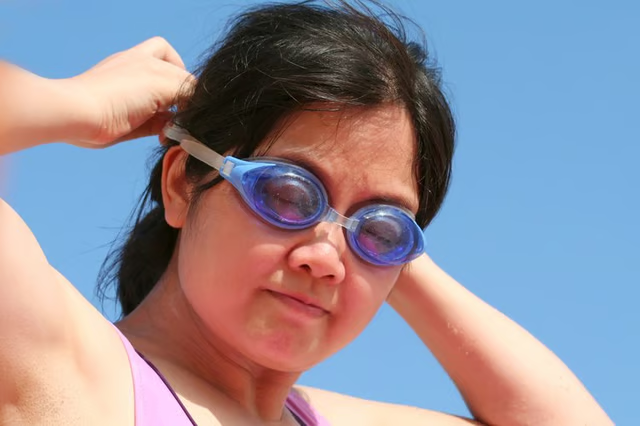
Swimming goggles are devices made to specifically aid in keeping water out of the eyes during swimming and are used by athletes and non athletes alike. Chlorine from pools and salt from oceans may cause irritation to the eyes and lessen the joy of or performance during swimming. In addition to keeping chemicals out of the eyes, they also help the swimmer see better under water. Swimming goggles are usually made in a one-size-fits-all fashion, but many can be adjusted to fit snugly on the face and head.
Wear the goggles and use them in the water to evaluate their performance as far as fitting snugly and staying in place on your head during activity in water. If the goggles start to hurt after a minute or two, they're too tight. If they barely stay in place, they need to be tightened.
Locate the adjustment lever for the straps, which will be positioned on the straps themselves, usually on the sides or the back and will be in the form of a buckle or clasp.
Pull up on the lever or clip to release it from its hold on the straps with one hand, and use the free hand to pull on either side of the straps to loosen or tighten them. To loosen the straps, pull them out or away from the goggles, and to tighten them pull the straps through the buckle or clasp to the doubled-over section of the straps. Release or press the clasp back in place once the straps have been altered. Wear and use the goggles again in the water to determine if they have been adjusted sufficiently.