
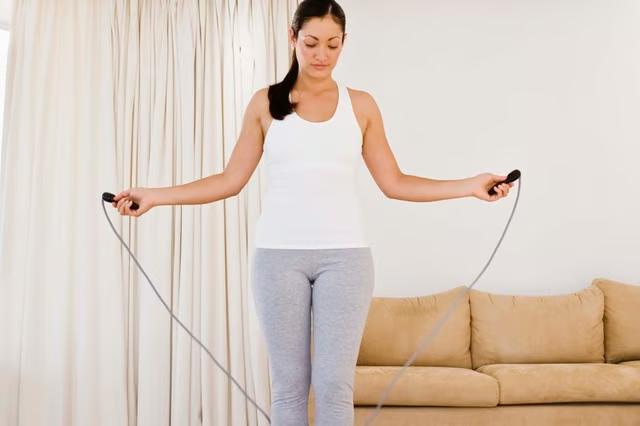


Nike's Speed Rope is a PVC jump rope designed to let users reach fast speeds without kinking or twisting the rope while in use. The increased speed allows the rope to be used for cardiovascular fitness exercises with more jumps per minute than slower or heavier ropes. In order to take advantage of the rope's speed, the length must be adjusted to fit your preference. Using a built-in adjustment mechanism, you can adjust the Nike Speed Rope quickly and easily and get back to your exercises.
Pull or gently pry the endcap from one handle to remove it and expose the rope-locking mechanism.
Twist the clear cap inside the handle counterclockwise to loosen the mechanism's grip on the rope.
Pull rope through into the handle to shorten the length, pull the rope out of the handle to increase the length.
Repeat the procedure on the opposite handle to increase or shorten the length further. Only so much rope will fit in the handle when shortening and both sides contain some slack for extension.
Tighten the clear cap inside the handles by turning it clockwise, then replace the endcap by pushing it into the end of the handle.