
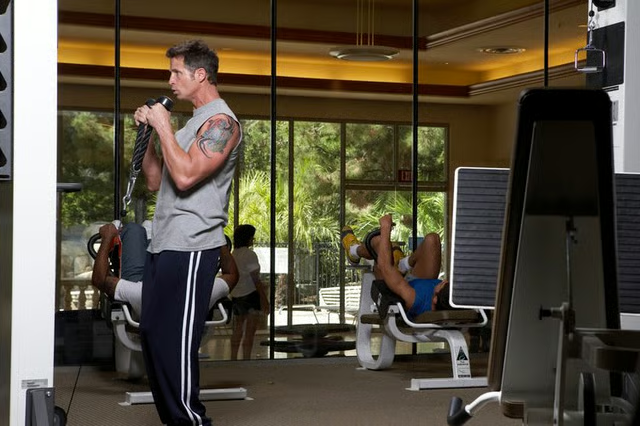
Cable exercise machines use a pulley system to raise and lower weight during use. A single pulley provides a directional change without reducing the weight you lift, while a double pulley will cut the weight in half. Regardless of the number of pulleys, you can adjust the angle of the cable anywhere from high over your head to down to the floor. The different angles allow safe planes of movement for exercises such as biceps curls, triceps extensions and side lateral raises, and provide muscle overload at different movement patterns for workout variety.
Determine the pulley height needed for your desired exercise. For example, if you are doing leg raises, you'll need the pulley at the bottom; for triceps pulldowns, you'll need the pulley near the top.
Remove the pin from the weight stack on the machine.
Face the tower that houses the weight plates. Place one hand on the side of the pulley. Loosen any locking pins or knobs to release the pulley.
Pull out the pin that secures the pulley to the metal tower. Keep holding the pulley in place with your opposite hand.
Keep the pin pulled out and slide the pulley up or down to your desired position.
Release the pin and let it securely insert into one of the holes on the tower. Tighten any locking pins or knobs to stabilize the pulley in the desired position.
Tips
Use a variety of angles for your workouts to target your muscles in many different planes.