
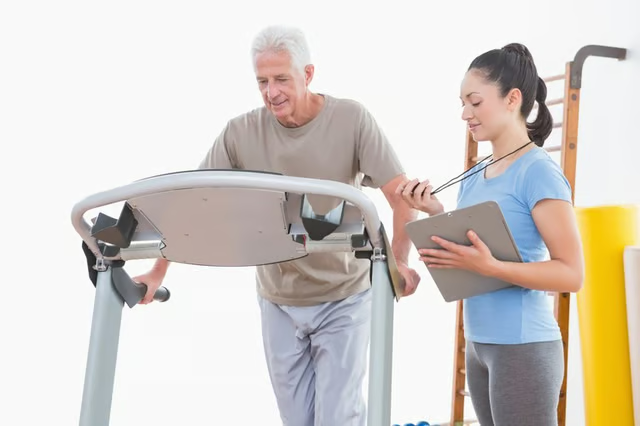
Treadmills such as the NordicTrack EXP 2000 XI offer a convenient way to do cardio exercise in the comfort of your home. The model features a manual mode as well as five preset programs to get you started. You can also fold it into a storage mode to save space. Before you begin, make sure the treadmill is on a level surface and completely assembled.
Plug the power cord into a power source. Locate the "On/Off" switch near the power cord and move it to the "On" position.
Clip the safety lanyard to the waistband of your clothing. If you stumble, it will trigger the console to stop the walking belt so it doesn't injure you. Insert the attached safety key into the console where it is marked "Key." After a moment, indicators on the console will light up.
Press the "Enter Weight" button and enter your weight. Press "Enter Weight" again to save your settings. Press the "Start" button or the "Speed +" to begin your workout. Press "Speed Up/Speed Down" to increase or decrease the speed of the walking belt. Press the "Incline" buttons to change the incline. To select a preset press the "Program Indicator" button and select one of the five preset programs.