
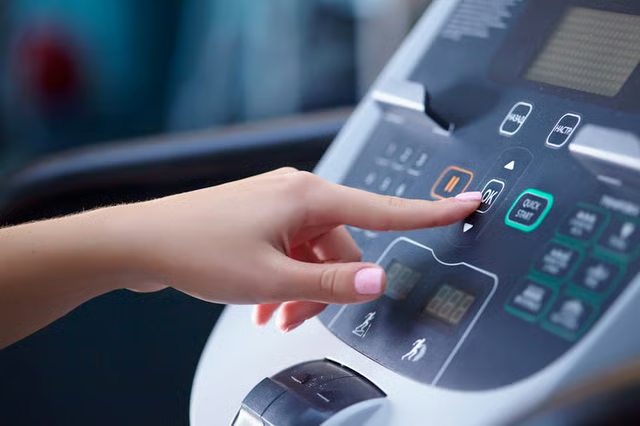
Nordic Track makes a range of treadmills for home and commercial use. The C900 model offers the option of folding the treadmill for storage. Once assembled, you will typically need to remove the console only if you must send it in for servicing or if you are fully disassembling the unit for storage. In any case, removing the console involves disconnecting the console wires and unscrewing the console from the base.
Unplug the treadmill from the power source.
Locate the console wire. It is a two-piece wire located on the back of the console near the left handrail. Disconnect the console wire by pulling the two pieces apart.
Locate the grounding wire. This is a thin wire protruding from a hole in the middle of the console on the back side. Disconnect the grounding wire from the treadmill.
Remove the console clamps at the top of the unit by using a Phillips head screwdriver to remove the four screws that hold the clamps in place.
Locate the six screws that attach the console to the treadmill. There are two screws on the left side, two on the right side and two in the middle. Remove the six screws by using a Phillips head screwdriver.
Lift the console away from the support frame.